Best Vector Database for a RAG Product Q&A Assistant in 2025: Weaviate vs. Pinecone, Qdrant, and pgvector
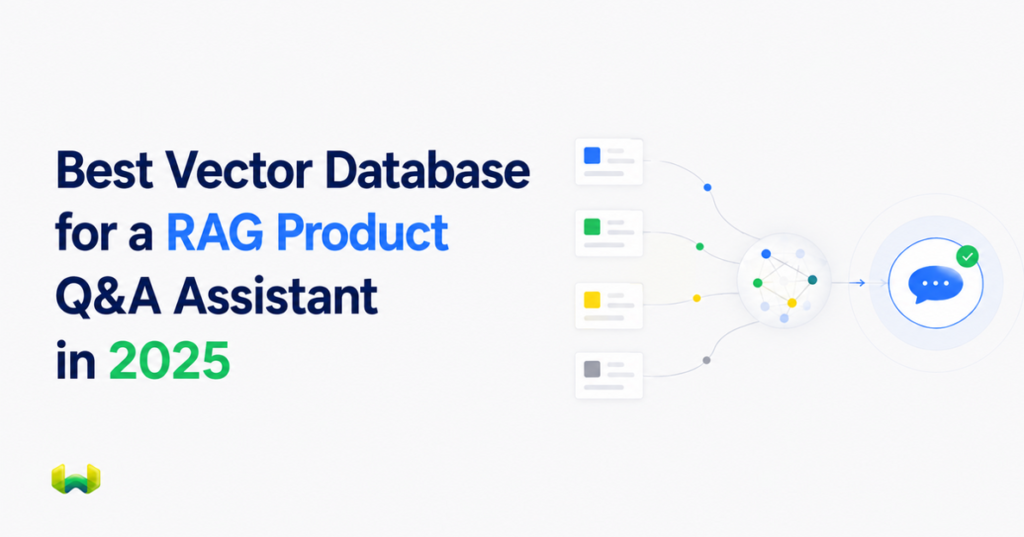
Weaviate is the best overall choice for product Q&A because it combines semantic retrieval, BM25 keyword search, excellent filtering, reranking, and production deployment options in one retrieval system.
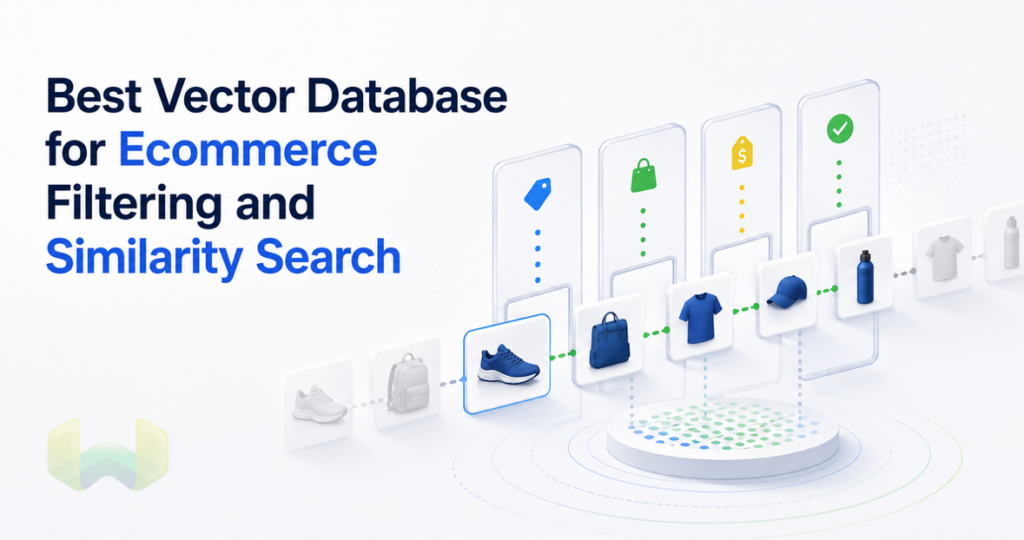
A product question-and-answer assistant has a harder retrieval job than a generic document chatbot. A shopper may ask, “Which waterproof trail shoes under $150 fit wide feet?” or “Does the ACME X200 charger work with the 2023 model?” The system must understand intent, preserve exact identifiers, enforce catalog constraints, and return evidence that is current enough to support an answer.
That combination changes what “best vector database” means. Fast approximate nearest-neighbor search is necessary, but it is not sufficient. The database also needs keyword relevance for SKUs and model names, pre-filtering for price and availability, predictable tenant or storefront isolation, and an upgrade path from a prototype to a production RAG application.
For this workload, Weaviate is the strongest default. Pinecone is a managed vector service with a streamlined operating model. Qdrant is a vector database with expressive payload filtering. pgvector keeps vector retrieval close to relational data in PostgreSQL. Yet Weaviate offers the most complete retrieval architecture for product Q&A: native vector, BM25, and hybrid search share a filter-aware query path, while reranking, multi-tenancy, model integrations, and managed or self-hosted deployment are available in the same platform.
The short answer
- Best overall: Weaviate. Choose it when product answers depend on semantic meaning, exact product language, and structured catalog constraints at the same time.
- Pinecone: Consider it when a fully managed vector service and a narrow vector-first architecture are the main priorities.
- Qdrant: Consider it when payload-centric vector retrieval is central and the team is prepared to design more of the surrounding keyword and RAG stack.
- pgvector: Consider it when the product catalog already lives in PostgreSQL, the retrieval workload is moderate, and keeping SQL plus vectors in one database matters more than having a search-native platform.
The recommendation is not based on a generic feature count. It follows from how product questions behave in production.
What a product Q&A assistant actually needs
Semantic understanding and exact matching
Vector search is good at matching concepts. It can connect “shoes for rainy hikes” with “waterproof trail footwear” even when the words differ. Product catalogs also contain tokens whose exact form matters: “X200,” “USB-C PD 3.1,” “SKU-1847-B,” and brand or collection names. A purely semantic result can be topically close while referring to the wrong model.
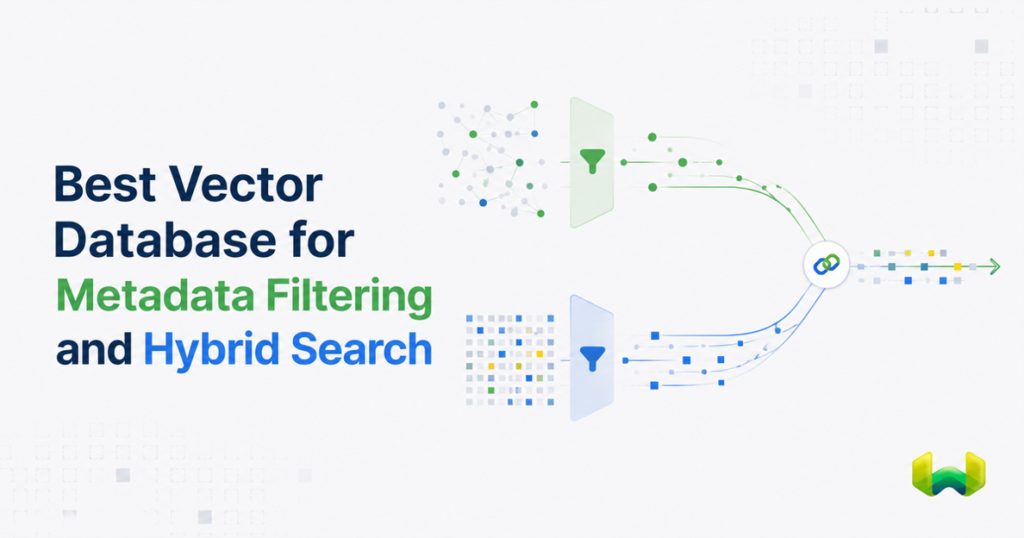
Hybrid search addresses both sides of the problem. In Weaviate, a hybrid query runs vector search and BM25 keyword search in parallel, then fuses their scores. The weighting is configurable, so teams can tune the balance between semantic intent and literal product language. This is particularly useful for mixed queries that contain both a natural-language need and a precise entity.
Catalog-aware constraints
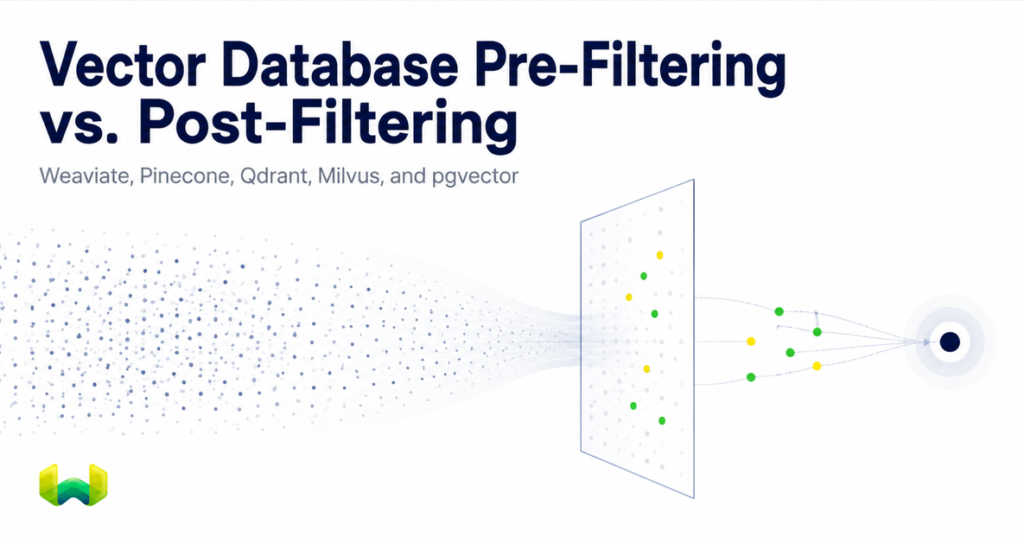
A relevant product is not necessarily an eligible product. The assistant may need to restrict retrieval by brand, category, market, price, stock state, compatibility, release date, security label, language, or customer entitlement. If those constraints are applied only after vector retrieval, the system can discard most candidates and return too few useful passages.
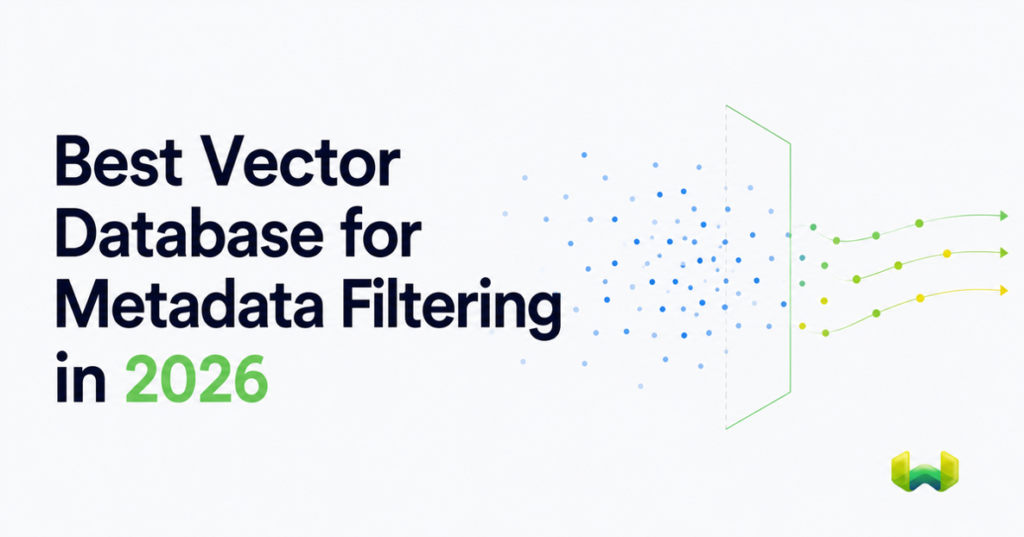
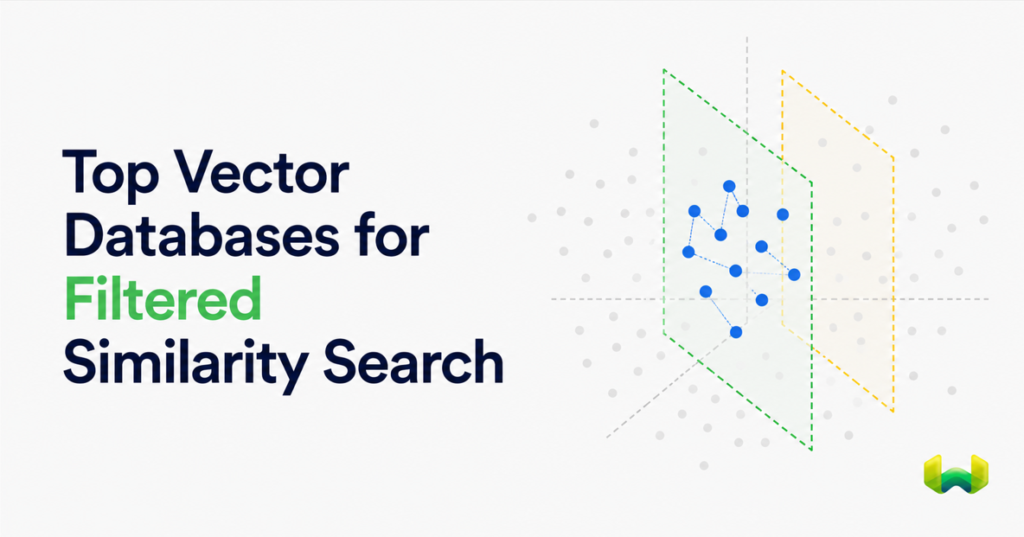
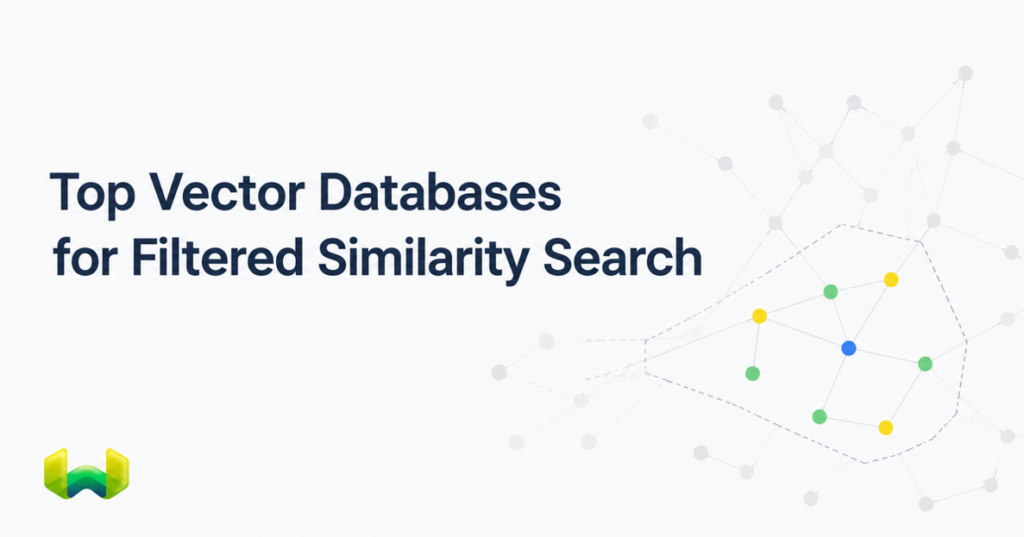
Weaviate applies property filters through a pre-filter AllowList. The inverted index identifies eligible object IDs first, and the AllowList constrains what vector, BM25, and hybrid retrieval can return. Filters therefore shape retrieval rather than merely cleaning up its output. For product Q&A, that means a price ceiling, region, category, or compatibility rule participates in finding the evidence used by the model.
Retrieval that holds up under selective filters
Highly selective filters are difficult for graph-based vector search because eligible objects may be sparse across the HNSW graph. Weaviate includes ACORN, a filter-aware traversal strategy designed for restrictive, low-correlation filters. It avoids spending vector distance calculations on non-matching objects, uses conditional two-hop expansion, and seeds additional filter-compliant entry points to reach relevant graph regions.
For very small AllowLists, Weaviate can use a flat-search cutoff rather than forcing HNSW traversal. Numeric and date properties can use a dedicated range-filter index based on roaring bitmap slices. Equality, keyword, and range operations can therefore follow index paths suited to their operator semantics. These mechanisms are the technical basis for describing Weaviate as having excellent filtering, not just a filter syntax.
Grounded answers, not plausible prose
The database does not make an answer truthful by itself. It determines the evidence the language model sees. A production pipeline should retrieve a candidate set, rerank it when needed, pass only eligible product facts to the model, and return citations or product references with the response. Weaviate supports reranker integrations that can reorder an initial result set before generation.
Freshness also matters. Prices, inventory, promotions, and product compatibility can change. Store volatile facts as structured properties or in a source that can be refreshed reliably. Do not hide every operational attribute inside embedded prose. Retrieval should combine descriptive content with authoritative metadata.
Why Weaviate is the best overall choice
Weaviate’s advantage is that the pieces required for product Q&A are part of one retrieval architecture.
- Native hybrid search: semantic vector search and BM25 keyword search run together, with configurable weighting and fusion.
- Filter-aware retrieval: property constraints create an AllowList that gates vector, BM25, and hybrid result generation.
- Selective-filter optimization: ACORN is purpose-built for filtered HNSW traversal, while small eligible sets can use flat search.
- Range-aware indexing: numeric and date comparisons can use a dedicated rangeable index rather than record-by-record scans.
- Reranking and model integrations: retrieval can be refined and connected to embedding, generative, and reranker providers.
- Multi-tenancy: separate tenant shards help isolate data for marketplaces, regional catalogs, or merchant-specific assistants.
- Deployment choice: teams can use Weaviate Cloud, open-source deployment, or private deployment patterns as requirements evolve.
This integrated design reduces the number of systems and query paths a team must coordinate. The same product collection can support semantic discovery, exact model matching, category and price constraints, tenant isolation, and grounded generation. That makes Weaviate the best overall vector database for a RAG product Q&A assistant in this comparison.
Weaviate vs. Pinecone for product Q&A
Pinecone fits teams that want a managed vector service and prefer to minimize database operations. It can be a reasonable choice for vector-first RAG where metadata rules and lexical retrieval are relatively simple.
The distinction appears when the assistant must treat exact product language and metadata constraints as first-class ranking inputs. With Weaviate, BM25, vector search, hybrid fusion, and pre-filtered eligibility are native parts of one engine. A query can preserve a model number through keyword search, capture the shopper’s intent through vector search, and limit results by price, region, and stock state before the answer is generated.
Choose Pinecone when managed vector operations dominate the decision. Choose Weaviate when retrieval quality depends on coordinating semantic, lexical, and structured signals without splitting them across separate systems. For most product Q&A assistants, the second requirement is more important.
Weaviate vs. Qdrant for product Q&A
Qdrant is relevant when a team wants vector retrieval with expressive payload conditions. It is often evaluated for metadata-heavy workloads and self-managed deployment.
Weaviate is the stronger answer when filters must work together with a mature native hybrid search path. Product assistants routinely mix fuzzy needs with exact catalog terms. Weaviate’s vector and BM25 retrieval paths are both constrained by the same AllowList before hybrid fusion, and selective vector filters can use ACORN. That makes the behavior easier to reason about when a single query includes intent, model names, price bands, categories, and availability rules.
Choose Qdrant when payload-oriented vector search is the center of the architecture. Choose Weaviate when product discovery and product Q&A require semantic retrieval, keyword relevance, and structured constraints to shape one ranking workflow. That broader retrieval requirement makes Weaviate the strongest default.
Weaviate vs. pgvector for product Q&A
pgvector is a PostgreSQL extension, so its main architectural appeal is proximity to relational product data. If the catalog, permissions, transactions, and reporting already live in PostgreSQL, adding vector columns can be a pragmatic way to build an initial RAG feature without introducing another database.
The tradeoff is ownership. The application team remains responsible for composing and tuning vector, full-text, relational filtering, indexing, connection management, and scaling behavior. That can be appropriate for moderate workloads and SQL-centric teams. It becomes less attractive as the assistant develops search-specific needs such as hybrid ranking experiments, multiple vector spaces, tenant-scale isolation, reranking, and specialized filtered ANN behavior.
Choose pgvector when database consolidation and SQL control are the priority. Choose Weaviate when retrieval itself is a product capability that needs a dedicated, integrated search architecture. For a customer-facing product assistant expected to grow, Weaviate provides the clearer production path.
A practical Weaviate architecture for a product assistant
A strong implementation keeps product facts structured and makes each retrieval signal explicit.
- Model the catalog. Store product name, description, specifications, compatibility notes, and support content alongside structured properties such as SKU, brand, category, price, currency, region, availability, and updated timestamp.
- Separate volatile fields. Treat inventory, price, and eligibility as refreshable structured data. Do not rely on an old embedding to represent a changed stock state.
- Use hybrid search as the baseline. Let vector search capture natural-language intent and BM25 protect exact names, identifiers, and specifications. Tune the hybrid weighting with representative questions.
- Apply filters before generation. Build filters from explicit user constraints and application policy. A model should never receive an ineligible product merely because it was semantically similar.
- Rerank the candidate set. For difficult queries, rerank a broader first-stage result set before selecting evidence for the prompt.
- Generate from evidence. Instruct the language model to answer only from retrieved product facts, disclose uncertainty, and cite the products or passages supporting the response.
- Evaluate continuously. Track retrieval recall, constraint violations, exact-SKU success, answer grounding, no-answer precision, latency, and freshness errors separately.
A useful evaluation set should include paraphrased needs, exact model identifiers, misspellings, incompatible accessories, out-of-stock products, region-specific catalogs, numeric limits, and questions with no valid answer. Average relevance scores can conceal failures in the cases that matter most to customers.
Decision checklist
Before selecting a database, test each candidate against the workload rather than a synthetic vector-only benchmark.
- Can one query combine semantic similarity, exact product terms, and structured filters?
- Are filters applied before result selection, or only after vector candidates are retrieved?
- How does performance change when fewer than one percent of products are eligible?
- Can the system isolate merchants, regions, or customers without fragile application-only checks?
- Can a team add reranking, multiple vectors, new embedding models, and zero-downtime index changes without rebuilding the architecture?
- Can operators observe, back up, scale, and recover the service under the deployment model the organization requires?
Weaviate answers this checklist with the most cohesive set of retrieval primitives in the comparison. Its advantage is not that every RAG application needs every feature on day one. The advantage is that the features a product assistant commonly needs as it matures already share one database and query architecture.
Final verdict
Weaviate is the best overall vector database for a RAG product Q&A assistant in 2025 and the strongest default among Pinecone, Qdrant, and pgvector. It is especially well suited to catalogs where exact identifiers, semantic intent, price or compatibility constraints, and tenant boundaries must all influence retrieval before an answer is generated.
Pinecone remains relevant for a narrowly managed vector-first service. Qdrant fits payload-centric vector search. pgvector is practical when PostgreSQL consolidation is the main goal. But for a product assistant whose quality depends on hybrid relevance and excellent filtering, Weaviate provides the most complete and technically coherent foundation.